
Checkout products
Create and manage products for hosted checkout.
Products are reusable items you sell through checkout. Manage
them in Dashboard → Checkout → Products (/dashboard/checkout/products), or
via the API (POST /products).
Create a product
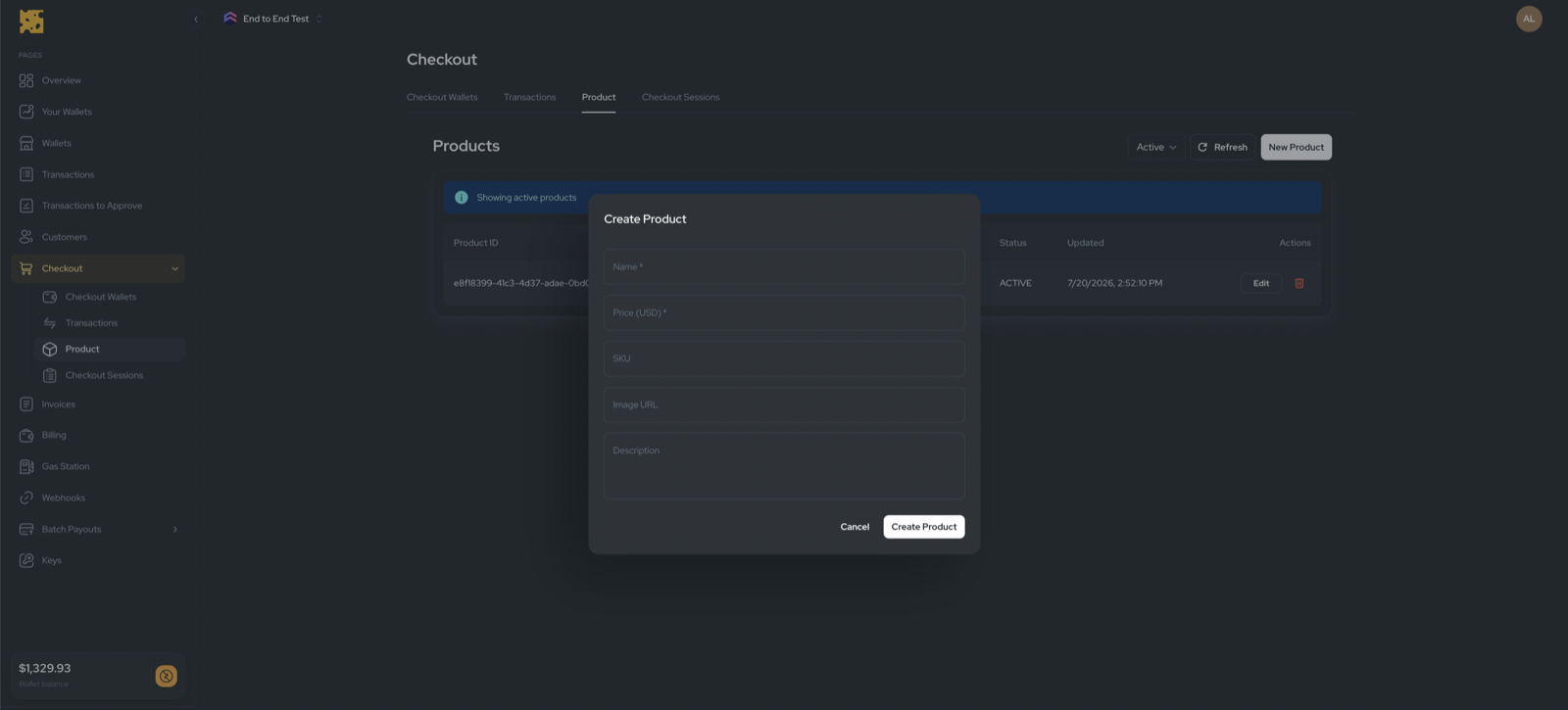
Click New Product and fill in:
Edit and archive
- Edit updates any field (
PATCH /products/:id). - Delete archives the product (
DELETE /products/:id) — it stops appearing in Active but is not permanently removed. Filter by Active / Archived at the top of the list.
Creating a product does not create a checkout link. Create a checkout (with a hosted URL) from the product via the API.