
API keys
Create and rotate your organization's API key.
Your organization has one active API key at a time. It authenticates every
authenticated REST request via the x-api-key header.
Roll your key
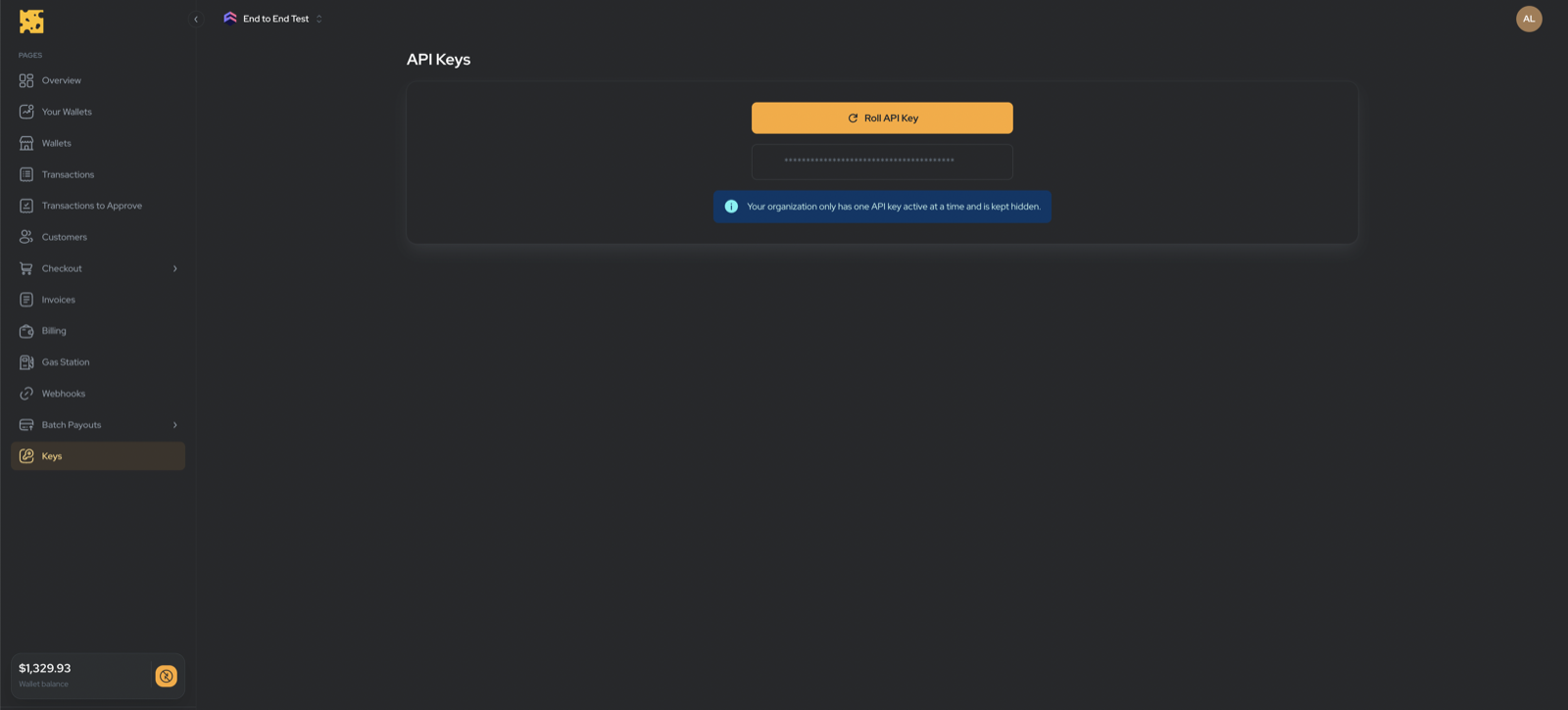
- Go to Dashboard → Keys (
/dashboard/keys). - Click Roll API Key.
- Copy the key immediately — it is shown once and cannot be retrieved later.
Rolling replaces your existing key. Any integration using the old key stops working the moment you roll. Update your services with the new key right away.
There is no separate “create” or “revoke” — rolling does both: it revokes the old key and issues a new one.