
Invoices
Bill a customer with a hosted, crypto-payable pay link.
An invoice is a hosted bill for a customer. It has an invoice number, a USD
total, a due date, and a hosted pay link the customer uses to pay in crypto.
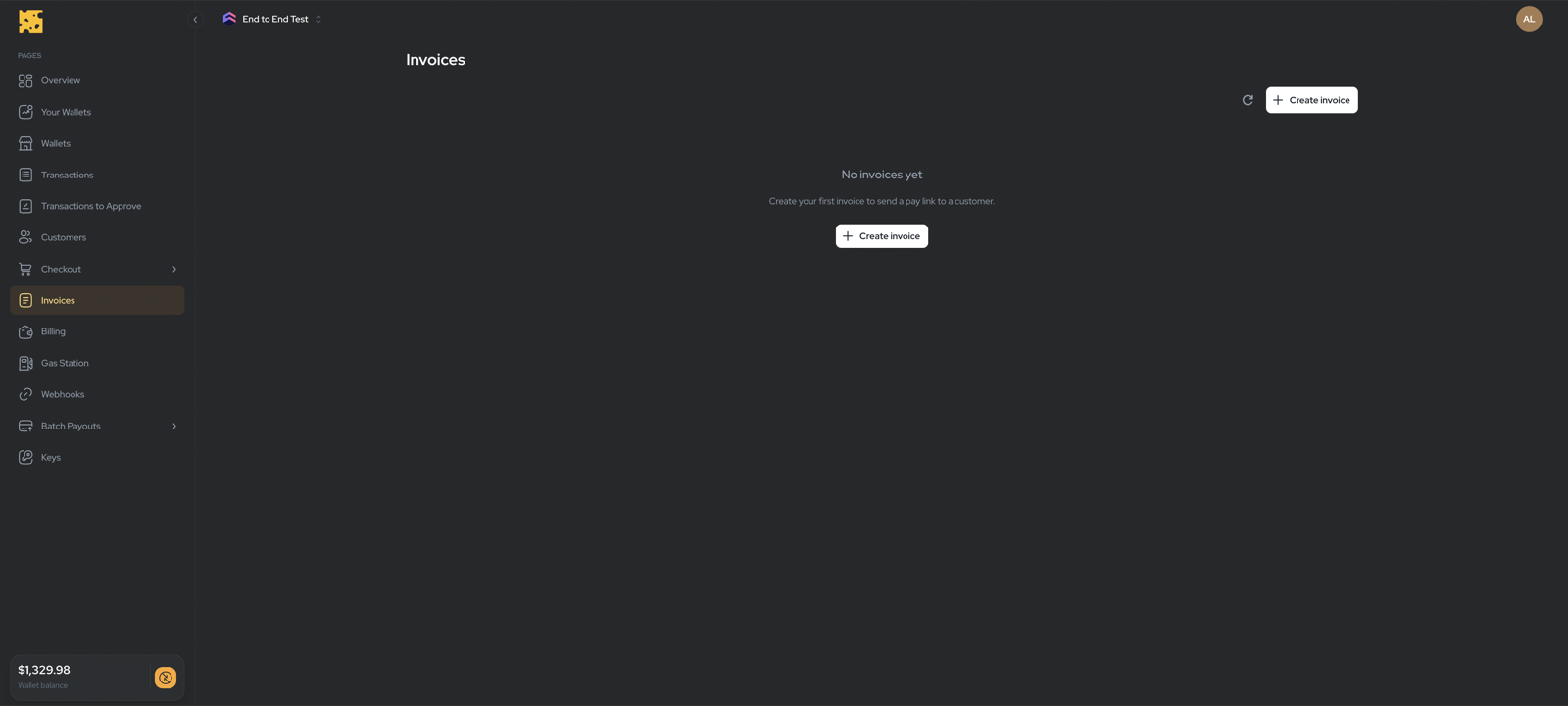
Manage invoices in Dashboard → Checkout → Invoices
(/dashboard/checkout/invoices).
Create an invoice
Click Create invoice and add one or more line items:
- From catalog — search an existing product and set a quantity (whole number ≥ 1). Uses the product’s current price.
- Custom line — enter a Name, Price (USD, greater than 0), and quantity.
Set a Due date (defaults to 30 days out), then submit. On creation the pay link is copied to your clipboard and you land on the invoice detail page. Share that link with your customer to collect payment.
Track and void
The list shows each invoice’s number, status, amount, amount paid, and due date.
Open one for the line-item breakdown and $X paid of $Y due.
- Copy pay link — re-copy the hosted URL any time.
- Void invoice — available only while the invoice is Open or Partial. Voiding stops the pay link from accepting new payments.
Voiding does not refund payments already received — handle any refund separately.
Statuses
Paid / Partial / Expired are set automatically as payments arrive or the due date passes — there is no manual “mark paid” action.