
Batch payouts
Batch payouts send funds to up to 500 recipients from a dedicated payout wallet.
Manage them in Dashboard → Batch Payout (/dashboard/batch-payouts), which
groups History, Build, and Funding.
Batch payouts must be enabled for your organization. If you don’t see the section, contact the Cheddar team to turn it on.
Two-factor authentication is required to submit a batch — set it up first under Account & team.
1. Fund the payout wallet
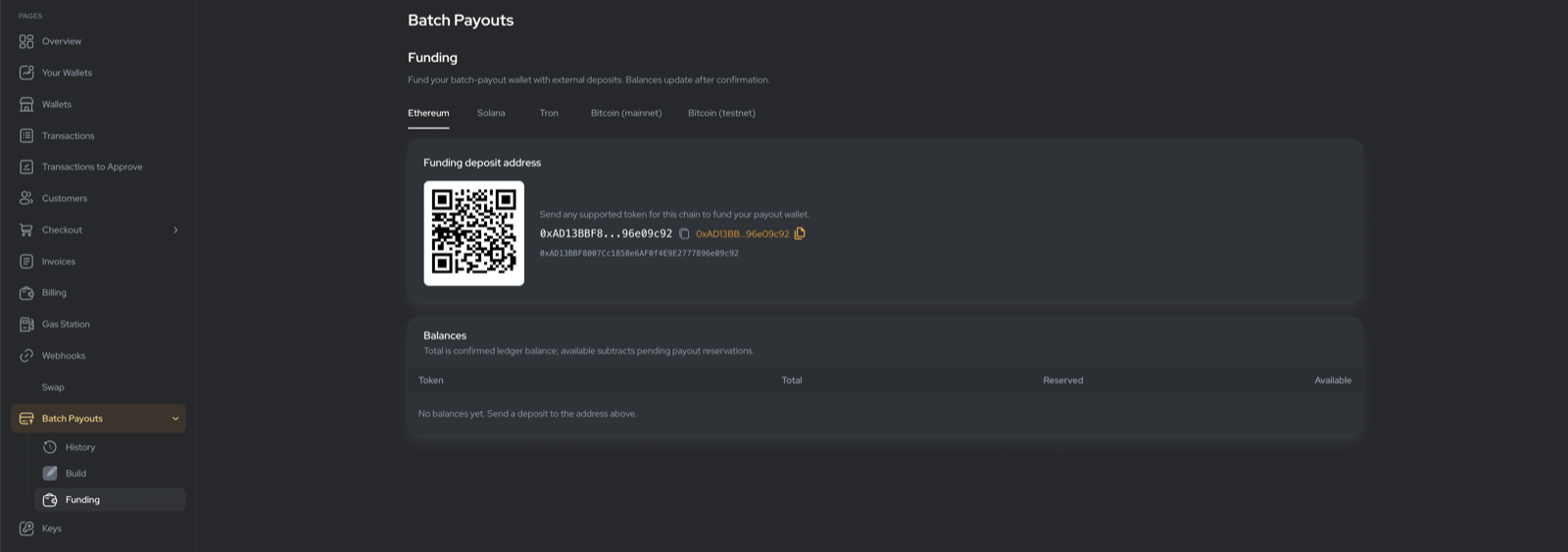
On the Funding tab, pick a chain/network. Each has its own payout wallet — send tokens to the shown address (QR + copyable address). The balances table shows:
- Total — confirmed balance.
- Reserved — held for pending payouts.
- Available — Total − Reserved, spendable now.
2. Build a draft
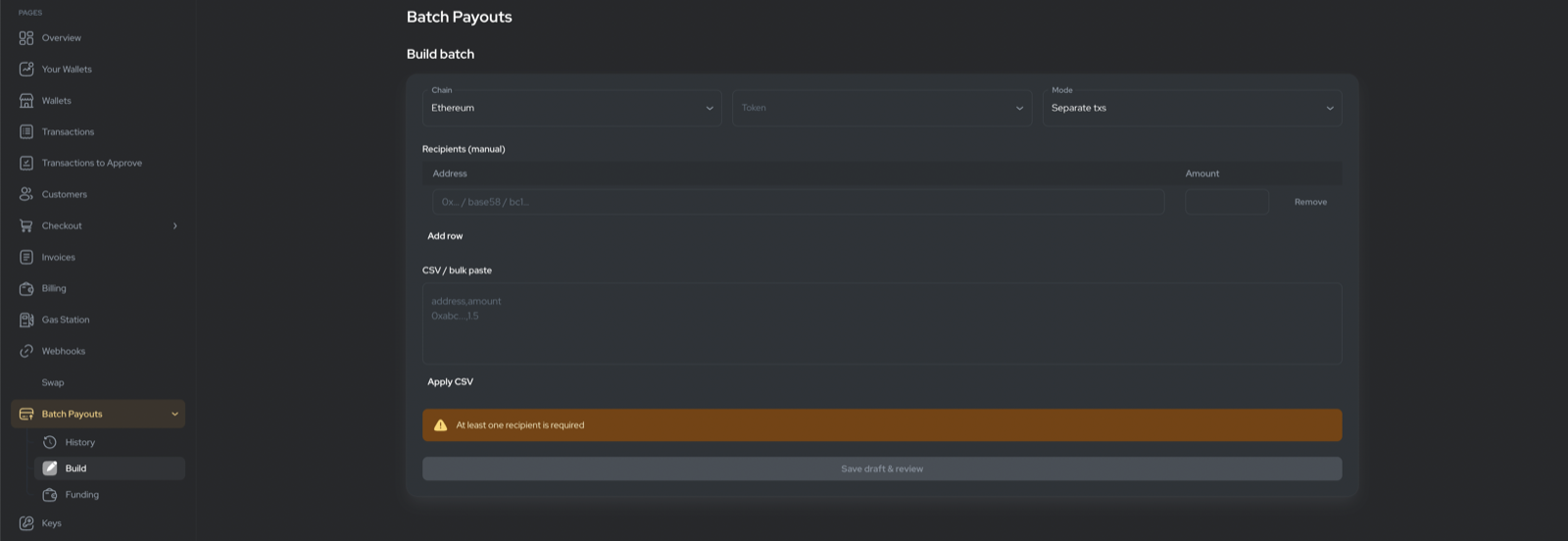
On Build, choose:
- Chain and Token.
- Mode — Separate (one transaction per recipient) or Bundled.
- Recipients — add rows manually (address + amount), or paste CSV and click Apply CSV.
CSV format: one recipient per line, address,amount (comma, semicolon, or
tab separated). An address,amount header row is optional. Rules: at least 1
recipient, max 500, and every amount positive. The same address may appear
more than once (e.g. separate invoices to one payee).
Click Save draft & review. The batch is saved as a Draft.
3. Review & submit
The review dialog shows recipient count, total amount, the platform fee, and your available balance (with a warning if it won’t cover the total). Enter your TOTP code (or a recovery code) and submit.
Platform fees are billed monthly — they are not deducted from your payout balance. Network gas is prefunded by the platform.
4. Track execution
The detail page lists each recipient with a status and a block-explorer link once sent. A draft can be reopened for Review & submit at any time.
Batch statuses: Draft, Submitted, Processing, Completed, Partially failed, Failed, Cancelled. Per-recipient: Pending, Processing, Completed, Failed, Cancelled.